
How to Get Started
-
Download ClientOnlineInstaller_WindowsOS.
 Step 1: Download the installer file from the official site.
 - Install it on all the PCs whose hardware and specs you want to track.
-
During sign-up, use the exact same name as the domain or workgroup that those PCs belong to.
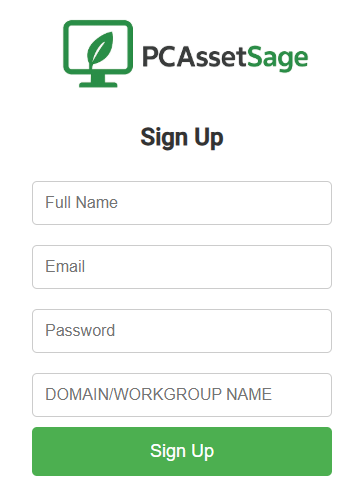 Step 2: Enter the correct domain or workgroup name when signing up.
 -
Once signed up, simply log in to your account.
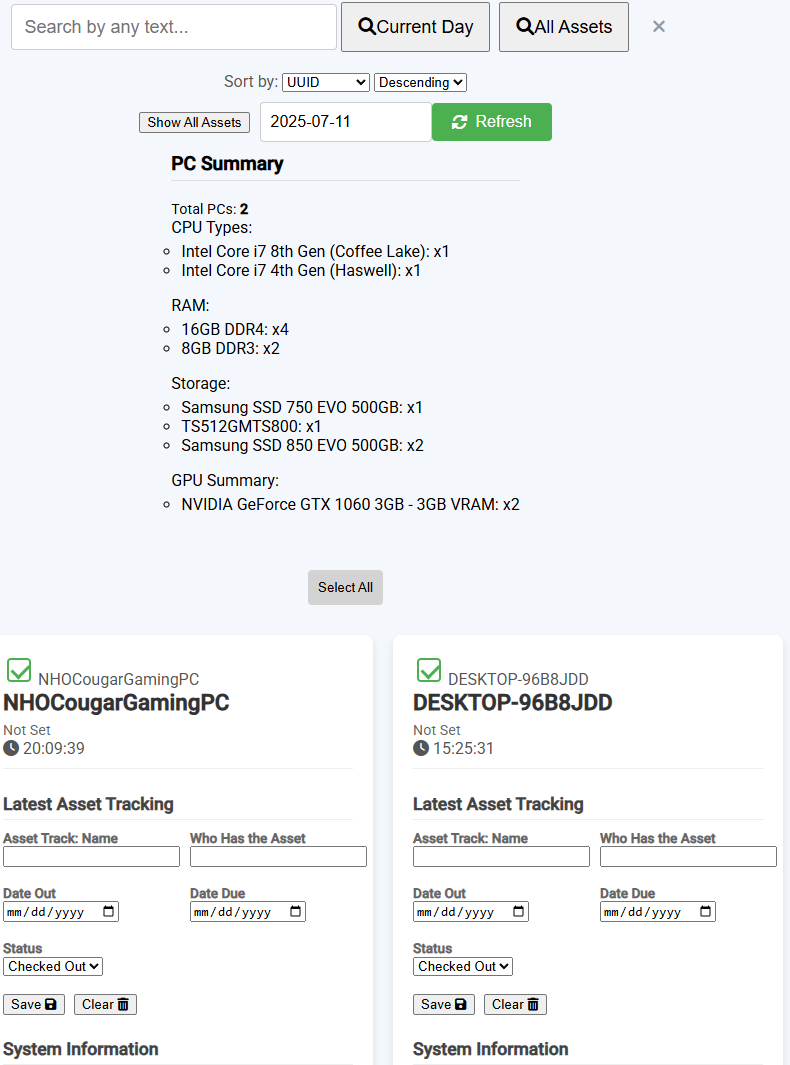 Step 3: View your tracked assets, system specs, and more.
 -
You’ll be able to:
- ✔ Track assets via a calendar
- ✔ View detailed PC specs
- ✔ Export hardware specs
- ✔ See when hardware was changed or went missing